Hisense 100 Inch TV with VIDAA OS: A Complete Smart TV Guide
A big-screen TV can make your home entertainment more immersive. A Hisense 100-inch TV gives you plenty of screen space if you like movies, sports, gaming, or streaming. VIDAA OS also provides smart features that make it easier to discover and enjoy content. If you are looking at 100-inch TVs or a 100-inch smart TV, here are the important things to know.
What Is VIDAA OS and How Does It Work?
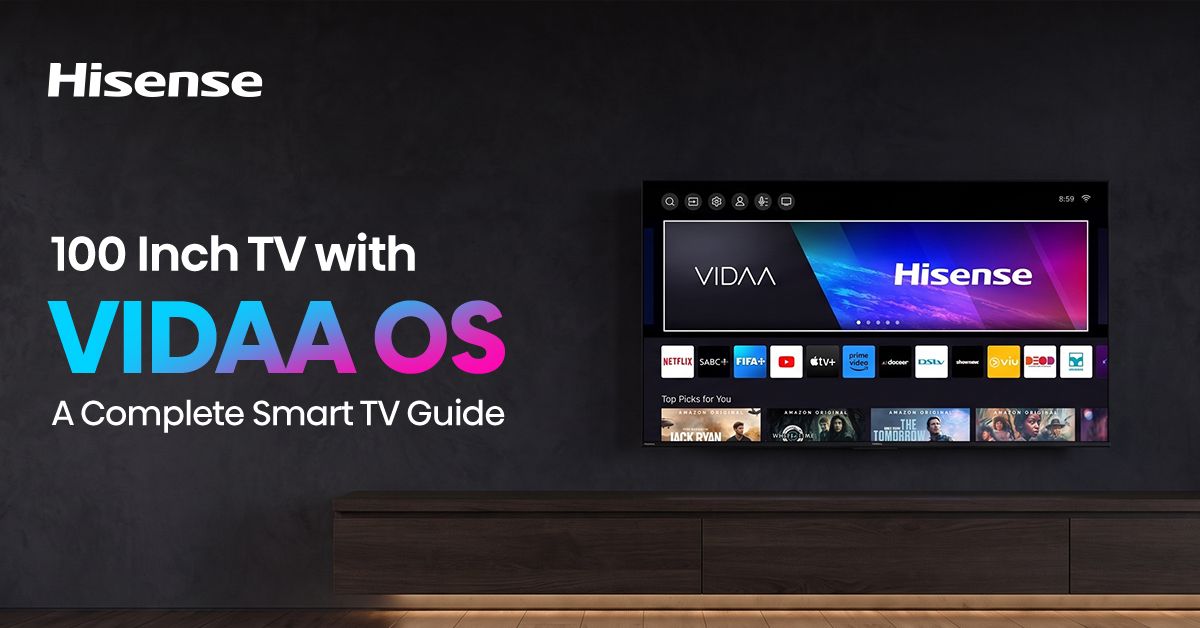
VIDAA OS is a smart TV operating system that brings together apps, streaming services, settings, and other features all in one place. It offers a simple interface for everyday use on a compatible Hisense TV.
VIDAA OS allows you to search for entertainment, browse supported apps, switch content sources, and change settings. You may not need an additional streaming device for supported services.
Why Choose a Hisense 100 Inch TV with VIDAA OS?
If you want a bigger and more engaging viewing experience, then there is the Hisense 100-inch TV. Movies can be more cinematic on the big screen; you can feel closer to the action in sports, and gaming can be more immersive.
With VIDAA OS, you can directly access supported streaming apps and smart features from the TV. This makes a 100-inch smart TV handy for everyday viewing and connected entertainment.
Screen size is just one factor when comparing 100-inch TVs. Picture quality, smart features, connectivity, and ease of use also matter.
Key Features of VIDAA OS on Hisense 100 Inch TVs
Fast and Snappy
VIDAA OS is built for smooth navigation. Seamlessly switch between menus, apps, and settings, making everyday use of the TV easy and convenient.
Easy to Use
VIDAA OS boasts a simple interface. You’ll find apps, settings, and other features quickly without wading through complicated menus.
Built-in Voice Control
You can use voice control to search for content and access supported features using voice commands on compatible TVs and services. This is useful if you want to find something quickly.
Direct App Access
VIDAA OS provides you with direct access to compatible streaming and entertainment apps. Easily switch between different Content options on your Hisense 100-inch TV.
Seamless Sharing
VIDAA OS can enable sharing or casting of content to the TV with compatible devices and supported features. You can enjoy the photos and videos that are supported on the larger screen.
What to Consider Before Buying a 100 Inch Smart TV?
Space and Installation Constraints
A 100-inch TV takes up a lot of room. Measure your wall or TV area before you buy. Also consider the viewing distance, power outlets, and space for connected devices. Depending on the size of the TV, professional installation might be a good idea.
Display Quality and Technology
The bigger the screen, the more important the quality of the picture is. When choosing a Hisense 100 Inch TV, you should take resolution, brightness, contrast, colour performance and refresh rate into account. These features can enhance movies, sports and gaming.
Smart Features and Performance
See features of VIDAA OS, supported apps, connectivity & voice control. Make sure your TV works with your current devices and supports the services you use most.
Is a Hisense TV with VIDAA OS Right for You?
If you want a big screen with simple smart features, a Hisense TV with VIDAA OS is a good option. Hisense 100-inch TV provides you with a large viewing area, and the VIDAA OS helps you easily access supported apps and TV functions.
Here is what to consider when considering 100-inch TVs:
Room Size, Viewing Distance, Installation Requirements, Picture Quality, Smart Features. If you have sufficient space for a giant display, a Hisense 100-inch smart TV with VIDAA OS can be a helpful home entertainment option.
Frequently Asked Questions
Can I connect gaming consoles to a 100 inch smart TV?
Yes. Compatible gaming consoles can be connected through supported HDMI ports. Check the TV’s HDMI and gaming features before buying.
What room is best for a Hisense 100 inch TV?
A large living room, home theatre, or entertainment room can work well. Make sure there is enough space and a comfortable viewing distance.
Can a 100 inch smart TV replace a projector?
Yes. A 100 inch smart TV can be an alternative to a projector. It provides a large display without requiring a separate projector and screen.